
The Apps Store is where DecoNetwork's capabilities can be extended and enhanced to support an even wider range of decoration industry business, process, and production models.
Prerequisites
- You must have administrator access to use this feature
To Access the Apps Store:
- Log into your DecoNetwork Website.
- Browse to Admin > Apps Store.

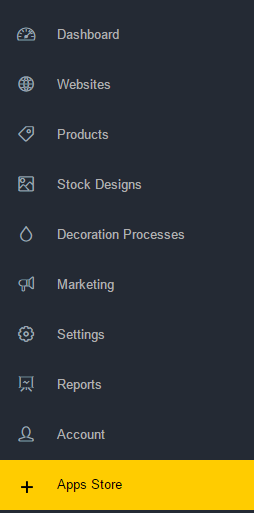
The main work area contains a list of apps that can be enabled in DecoNetwork. You may use the apps list search to find an app if you know it by name. Each app has a Learn More button which displays further details about the app. Price is usually free, however, some apps do attract a monthly fee which should be considered before clicking Add Now to enable the app. Click Disable to remove an app.
Still have questions? Use the Search Tool at the top of the page to find more related guides. Need help? Click the icon to submit a support ticket – our Client Services team is ready to assist!
Comments
0 comments
Please sign in to leave a comment.