
Billing method lets you review and modify the details of the payment method being used to pay for your DecoNetwork subscription.
Prerequisites
- You must have administrator access to use this feature
To View or Modify Billing Method:
- Log into your DecoNetwork Website.
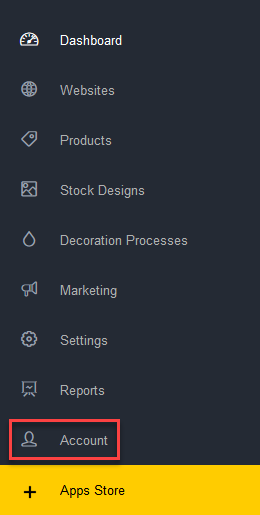
- Browse to Admin > Account.

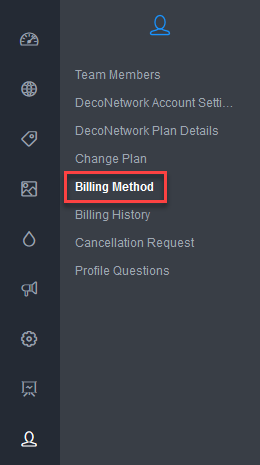
- Select Billing Method.
Your presently used credit card details are displayed. You may change your credit card by pressing the Change Credit Card Details button located in the Breadcrumb bar.
Still have questions? In your DecoNetwork Admin, use the Universal Search box in the top bar to find more related help guides. Need more help? Click the icon next to the search box to open the help menu and submit a support ticket. Our Client Services team is ready to assist!
Comments
0 comments
Please sign in to leave a comment.