
A digital asset storage system is incorporated into the artwork approval process in Business Hub. Production-ready artwork can be uploaded to an artwork approval along with the original artwork. Once uploaded, an artwork approval form can be automatically generated and emailed to the customer for approval.
Prerequisites
- You must have Administrator and/or Artwork Staff permission to use this feature.
To upload artwork for approval:
- Log into your DecoNetwork website.
- Browse to Business Hub > Artwork Approvals.
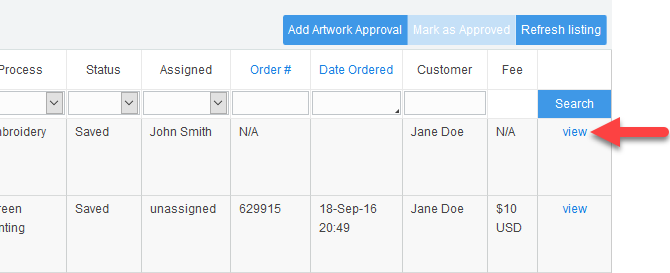
- Click view to load the artwork approval you want to upload artwork for.
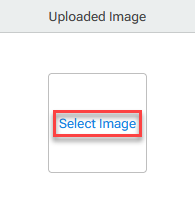
- Click on Select Image under the Uploaded Image section.
A popup is displayed with the following options.
- Choose the appropriate option and click OK.
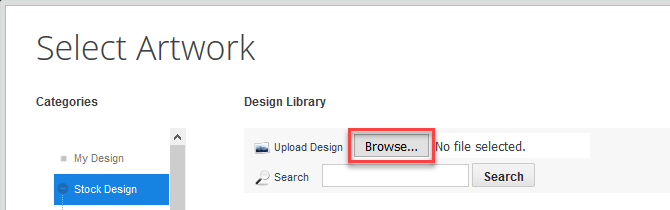
- Click on the Browse... button in the Select Artwork popup.
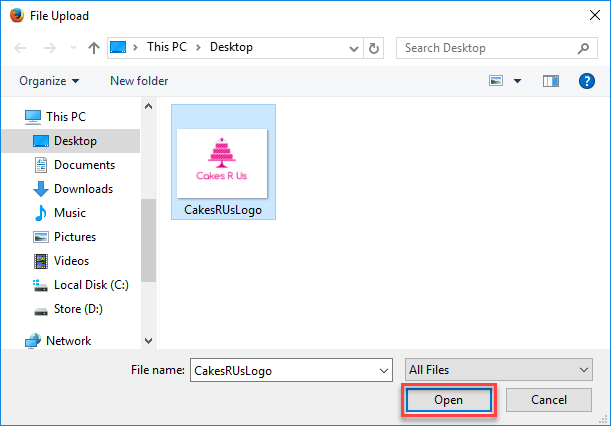
- Find and select the production-ready artwork file and click Open in the File Upload popup.
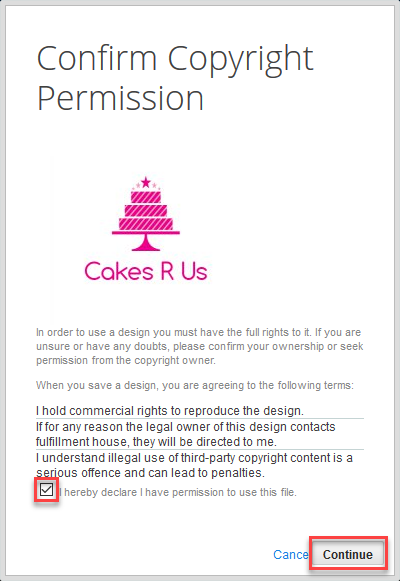
- Tick the checkbox to confirm that you have permission to use the file, then click Continue.
The Adjust Artwork Size & Placement popup loads.
- Adjust the artwork size and placement as needed and click OK.
The artwork is stored with the artwork approval and is made available for download by production staff.
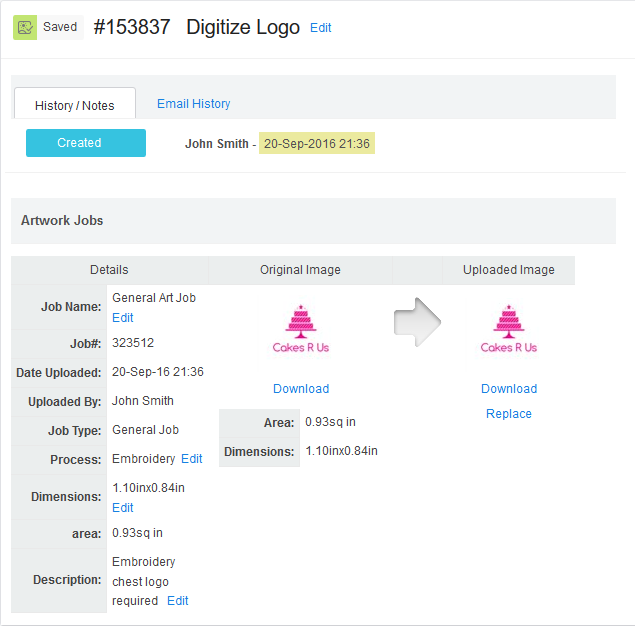
You can replace the image as many times as revisions are needed by clicking on Replace and uploading the revised artwork file.
When replacing placeholders with the actual design, a popup will be displayed giving you the option to keep the original size of the upload or scale the upload to fit within the bounds of the placeholder.
Still have questions? Use the Search Tool at the top of the page to find more related guides. Need help? Click the icon to submit a support ticket – our Client Services team is ready to assist!
Comments
0 comments
Please sign in to leave a comment.