
The Notifications settings let you choose whether you want to receive email notifications about affiliate store sign-ups and new orders placed on your website.
Prerequisites
- The setting for receiving orders placed notifications will only be available if enabled by the Fulfillment Center
To configure notification settings for your website:
- Log into your DecoNetwork Website.
- Browse to Admin.

- If you are the Fulfillment Center:
- Browse to Websites.
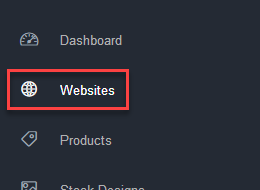
- Click the Manage button beside the affiliate store you wish to configure notifications for.

- Browse to Websites.
- Browse to Store Configuration > Notifications.

- Configure the Notifications settings:

- Store signup: Tick this checkbox if you want to receive an email notification each time someone creates an affiliate store under your website.
- New Order: Tick this checkbox if you want to receive an email notification each time a new order is placed on your website.
- Click Save.
Still have questions? In your DecoNetwork Admin, use the Universal Search box in the top bar to find more related help guides. Need more help? Click the icon next to the search box to open the help menu and submit a support ticket. Our Client Services team is ready to assist!
Comments
0 comments
Please sign in to leave a comment.