WARNING: Popup That can make you lose Large orders!
Under Consideration
BELOW-QUALITY IMAGES LISTED
By clicking OK, you are agreeing to accept the final product regardless of image quality. Click Cancel if you want to go back and fix the images.
Your layout contains images that have been resized to the point where they may appear blurred.
This Popup is really bad this scaring customers away from the website. This should be a printer responsibility to fix the artwork and provide a quality work. Any Big Name name brand website will not tell you this they will fix the artwork and print the order. I'm getting calls from my customers that they will not place a large orders because of this warning!
Please fix this ASAP! any printer that takes pride in there print quality will fix the image and then process the job. NO RETAIL CUSTOMER WILL HAVE THE PERFECT IMAGE TO PROVIDE!!! This is telling customer Fxxxx you Click OK and you get whatever you get!
I request this to be fixed! 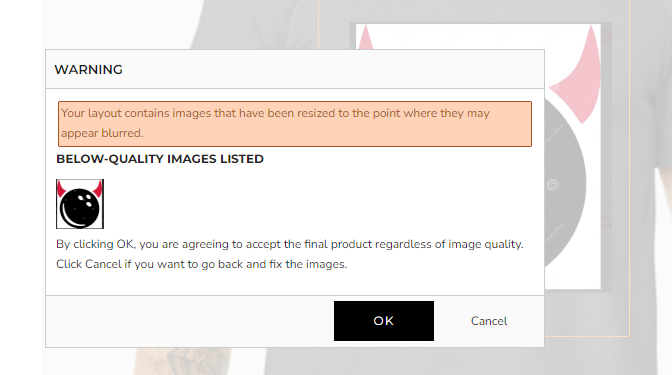
-

There is an option to change the minimum DPI setting under each decoration process method. This should be the reason the popup. If you are going to fix all images, then you can set 72 DPI or lower to try?
This pop up is helpful for us since we do not fix artwork for single piece orders.
Comment actions
Please sign in to leave a comment.
Comments
1 comment